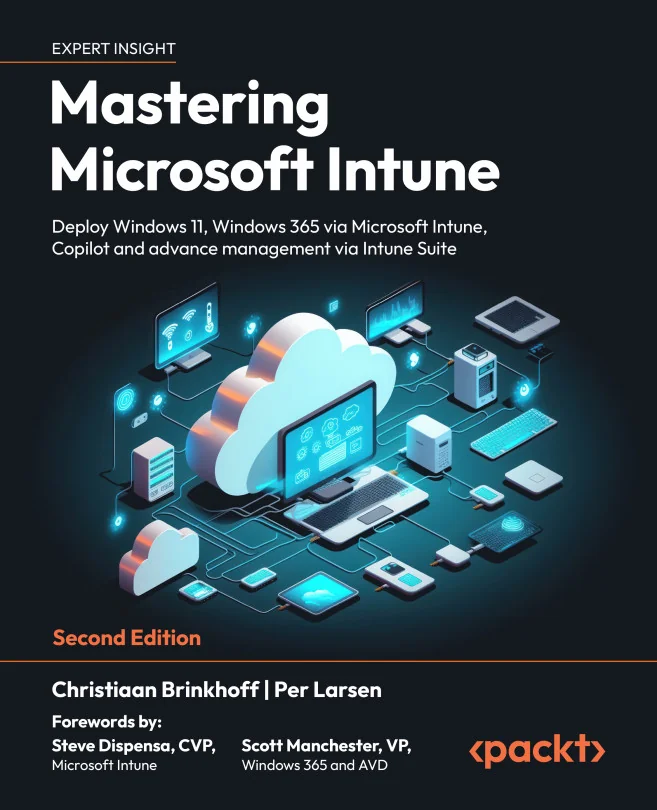
Mastering Microsoft Intune
Deploy Windows 11, Windows 365 via Microsoft Intune, Copilot and advance management via Intune Suite
 CB
CBCreated by Per Larsen, Christiaan Brinkhoff
Get hands-on with managing both physical and cloud-based Windows devices using Microsoft Intune. Learn how to streamline deployments, strengthen security, and take advantage of the latest features like Windows 365 and Copilot. Build practical skills to confidently manage endpoints in modern IT environments.
Packt | Mar 2024 | 822 min
What You Will Learn
You'll start by setting up Intune for both physical and cloud PCs, then move on to deploying Windows 11 and Windows 365. Step by step, you'll explore advanced policy management, security best practices, and automation tools. Real-world scenarios and troubleshooting tips help you build confidence and apply your new skills right away.
Key Features
- Deploy and manage Windows 11 and Windows 365 Cloud PCs with Intune
- Configure advanced security and policy settings for better device protection
- Automate updates and streamline app management across your organization
Target Audience
Ideal for IT professionals, administrators, and consultants with some experience in device management. If you want to modernize how you manage Windows endpoints, improve security, and leverage cloud solutions like Windows 365, you'll find practical guidance and actionable strategies here.