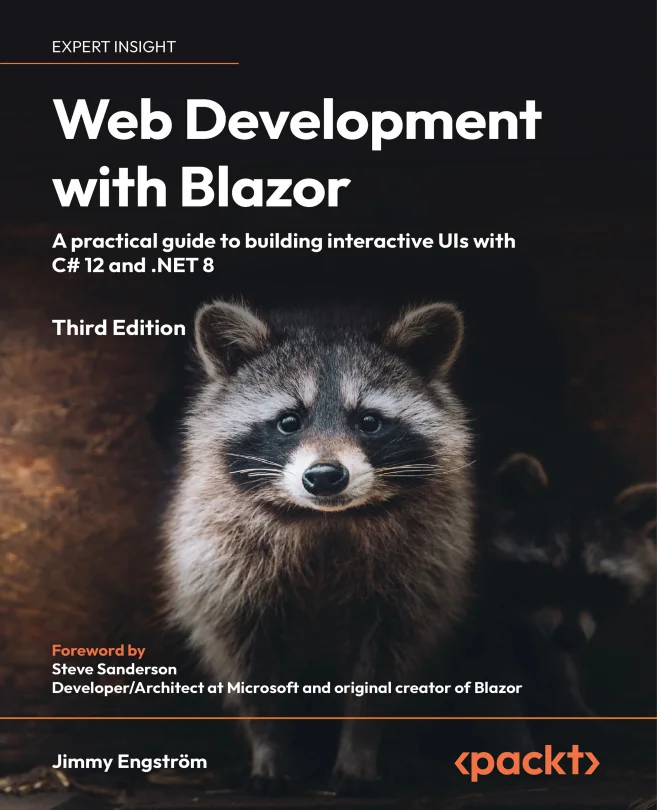
Web Development with Blazor
A practical guide to building interactive UIs with C# 12 and .NET 8

Created by Jimmy Engström
Explore how to build interactive web applications using Blazor and C# 12, taking advantage of the latest features in .NET 8. Learn to create production-ready apps with flexible hosting models and enhanced rendering techniques, all without relying on JavaScript.
Packt | Apr 2024 | 366 min
What You Will Learn
You will start by exploring different Blazor hosting models and how they work behind the scenes. Through practical, hands-on examples, you will build components, set up APIs, and implement advanced rendering techniques. Each step is designed to help you apply concepts directly to real-world projects.
Key Features
- Build interactive web apps in C# using Blazor Server, WebAssembly, and Hybrid models
- Apply new server-side and streaming rendering methods for better performance
- Use updated Blazor templates to streamline and simplify your development workflow
Target Audience
Ideal for .NET web developers and software engineers ready to expand their skills into interactive web UI development. If you have a basic understanding of C# and some experience with .NET web technologies, you will gain the confidence and knowledge to build and deploy modern Blazor applications.