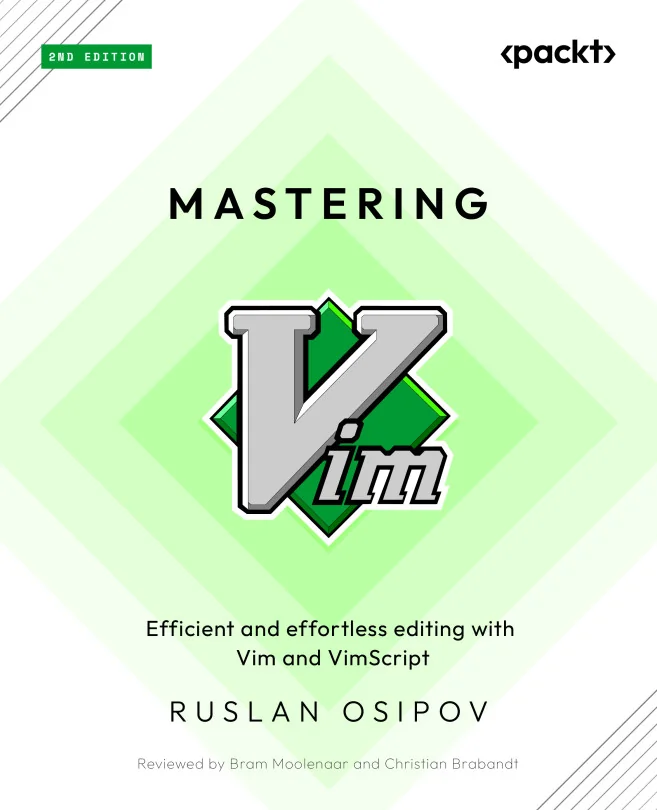
Mastering Vim
Efficient and effortless editing with Vim and Vimscript

Created by Osipov
Explore how to make your editing faster and more effective with Vim. You'll move beyond the basics to master advanced navigation, text manipulation, and powerful customization using Vimscript. By the end, you'll be able to turn Vim into a full-featured development environment tailored to your workflow.
Packt | Jul 2024 | 300 min
What You Will Learn
You'll learn by working through real development tasks, starting with efficient navigation and editing techniques. As you progress, you'll set up plugins, explore configuration options, and write Vimscript to automate repetitive tasks. Practical examples and clear explanations help you apply each concept right away.
Key Features
- Master advanced navigation and editing to speed up your daily work
- Customize Vim with plugins and scripts for a personalized workflow
- Integrate version control, building, and testing directly into your editor
Target Audience
Ideal for software developers who want to boost productivity by using Vim as their main editor. If you have some programming experience and want to go beyond basic Vim usage, you'll find step-by-step guidance to help you customize and extend Vim for your projects. No advanced Vim knowledge is required to get started.