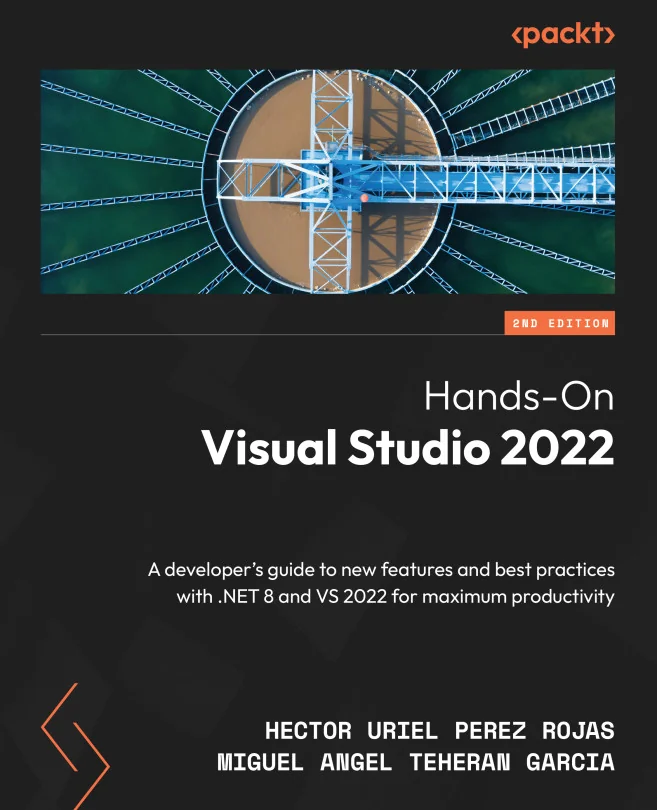
Hands-On Visual Studio 2022
A developer's guide to new features and best practices with .NET 8 and VS 2022 for maximum productivity


Created by Hector Uriel Perez Rojas, Miguel Angel Teheran Garcia
Explore the latest features and productivity tools in Visual Studio 2022, including AI-powered extensions and advanced debugging techniques. Whether you're new to the IDE or looking to sharpen your skills, you'll learn how to get the most out of Visual Studio for .NET development across web, desktop, and cloud environments.
Packt | Mar 2024 | 336 min
What You Will Learn
You'll work through practical, real-world scenarios that show how to use both basic and advanced features in Visual Studio 2022. Step-by-step guidance helps you apply new tools, configure your environment, and integrate with services like GitHub. Along the way, you'll pick up tips and techniques to make your development process smoother and more efficient.
Key Features
- Boost productivity with AI-powered tools and advanced debugging features
- Master Git integration and collaboration directly within the IDE
- Streamline project setup and workflow using best practices and shortcuts
Target Audience
Perfect for .NET developers who want to stay current with Visual Studio 2022. If you have a working knowledge of C# and want to improve your workflow, adopt new tools, or explore AI-powered coding assistants, you'll find actionable guidance here. No deep experience with web, desktop, or cloud development is required, but some familiarity will help you get the most from the material.