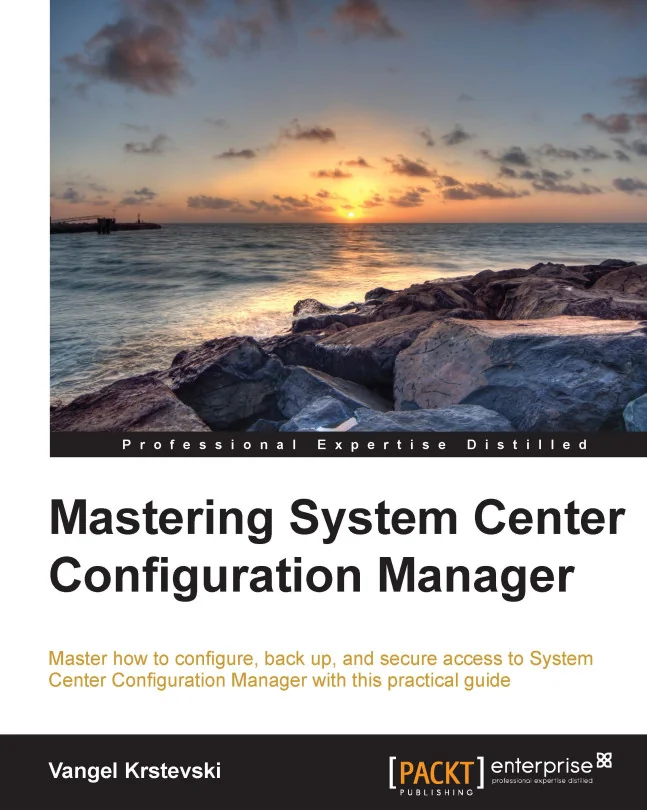
Mastering System Center Configuration Manager
Master how to configure, back up, and secure access to System Center Configuration Manager with this practical guide
Created by Vangel Krstevski
Explore practical ways to configure, back up, and secure System Center Configuration Manager. Gain hands-on experience with server setup, application deployment, and access management. Build confidence in managing and protecting your organization's IT assets.
Packt | Dec 2014 | 278 min
What You Will Learn
You will follow step-by-step guidance to configure servers, define roles, and manage deployments. Each section focuses on real-world tasks, helping you apply what you learn directly to your work environment. By practicing these skills, you'll be ready to handle common SCCM challenges confidently.
Key Features
- Set up and configure SCCM servers and hierarchy components for efficient management
- Deploy applications, software updates, and generate interactive reports with ease
- Back up settings and secure access to protect your organization's IT environment
Target Audience
Designed for IT administrators with a basic understanding of SCCM, this course is ideal if you want to deepen your skills in system and asset management. If your goal is to streamline deployment, improve security, or take on more responsibility in your IT role, you'll find practical value here.
Related courses