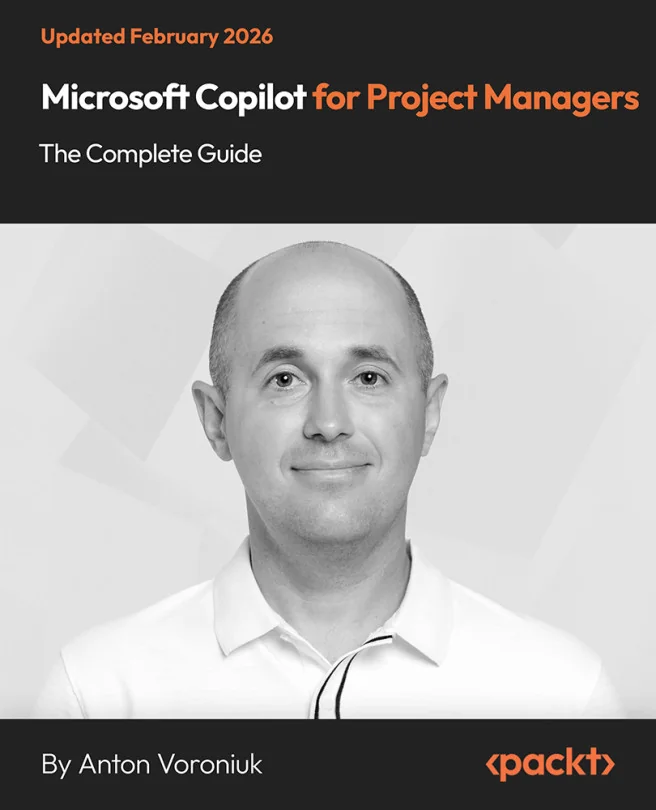
Microsoft Copilot for Project Managers - The Complete Guide
Master Project Management with AI-Driven Tools in Microsoft Copilot

Created by Anton Voroniuk
Discover how to use Microsoft Copilot to simplify project management tasks and boost productivity. Learn to automate meetings, manage budgets, and analyze project data using familiar Microsoft tools. Gain practical skills that help you make better decisions and save time every day.
Packt | Feb 2026 | 256 min
What You Will Learn
You will follow step-by-step guidance to use Copilot in Word, Excel, and Outlook for real project scenarios. Through practical examples, you will automate routine tasks, generate reports, and analyze project data. Clear instructions and reusable prompts make it easy to apply what you learn right away.
Key Features
- Automate project planning, meeting management, and reporting with Copilot prompts
- Analyze budgets and track project progress using Copilot in Excel and Word
- Apply AI ethics and privacy best practices for secure, enterprise-ready workflows
Target Audience
Designed for project managers, scrum masters, product owners, and business analysts ready to integrate AI into their daily work. If you want to streamline your workflow, improve team collaboration, and make data-driven decisions, this course will help you master Copilot and stay ahead in modern project management.
Related courses