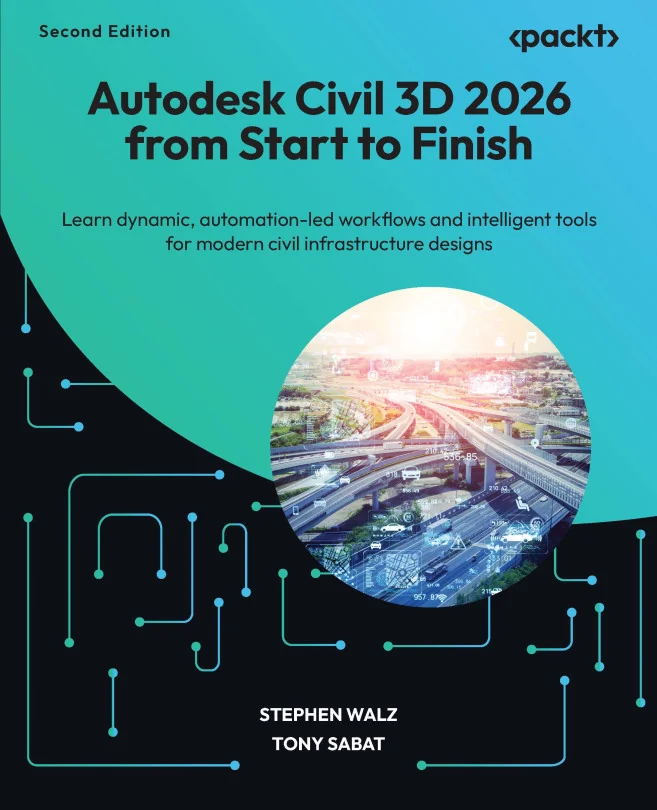
Autodesk Civil 3D 2026 from Start to Finish
Learn dynamic, automation-led workflows and intelligent tools for modern civil infrastructure designs

Created by Stephen Walz
Discover how to use Civil 3D 2026 to design civil infrastructure projects with greater speed and precision. Learn how to apply dynamic modeling, automation, and intelligent tools to real-world workflows. Gain practical skills for managing design data and collaborating with teams at any project scale.
Packt | Aug 2025 | 484 min
What You Will Learn
You will follow a step-by-step process that mirrors real project workflows, starting from survey data and existing conditions through to final design and documentation. Along the way, you will use Civil 3D's intelligent features, automation tools, and best practices to build, analyze, and refine your designs, ensuring efficiency and accuracy throughout.
Key Features
- Apply dynamic modeling tools to streamline civil infrastructure design tasks
- Integrate automation features to reduce manual work and improve accuracy
- Collaborate efficiently with teams using enhanced project management tools
Target Audience
Ideal for civil engineers, designers, and technicians who already understand basic civil engineering and AutoCAD workflows. If you want to boost your productivity and confidently handle larger, more complex projects using Civil 3D 2026, this course will help you unlock new capabilities and streamline your daily work.