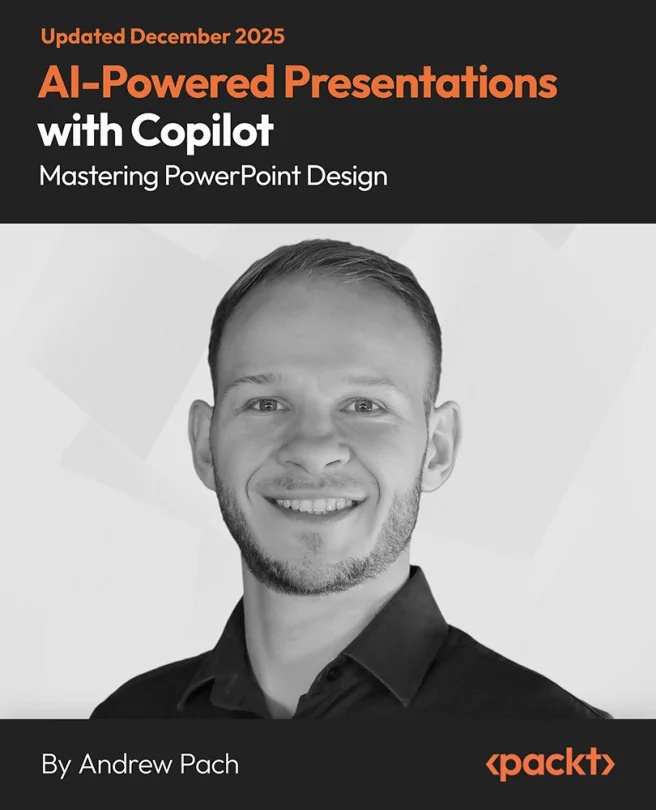
AI-Powered Presentations with Copilot: Mastering PowerPoint Design
Enhance Your PowerPoint Skills with Microsoft Copilot and AI

Created by Andrew Pach
Unlock the power of AI to transform how you design and deliver PowerPoint presentations. Learn to use Microsoft Copilot and its suite of smart tools to create polished, engaging slides with less effort. Gain practical skills for building, editing, and refining presentations that truly stand out.
Packt | Jun 2025 | 57 min
What You Will Learn
You'll follow a practical, hands-on path as you explore Copilot's features directly within PowerPoint. Step-by-step walkthroughs and real-world examples help you apply AI tools to your own slides. By practicing new techniques as you go, you'll build confidence and efficiency in your presentation workflow.
Key Features
- Design engaging slides quickly using Copilot's AI-driven templates and tools
- Enhance presentations with custom graphics, image generation, and text rewriting
- Summarize and analyze content to deliver clear, impactful messages every time
Target Audience
Perfect for professionals who want to elevate their presentation skills using AI, including business leaders, educators, and marketers. If you have a basic understanding of PowerPoint and want to save time while creating more effective slides, you'll find these tools and techniques especially valuable.
Related courses