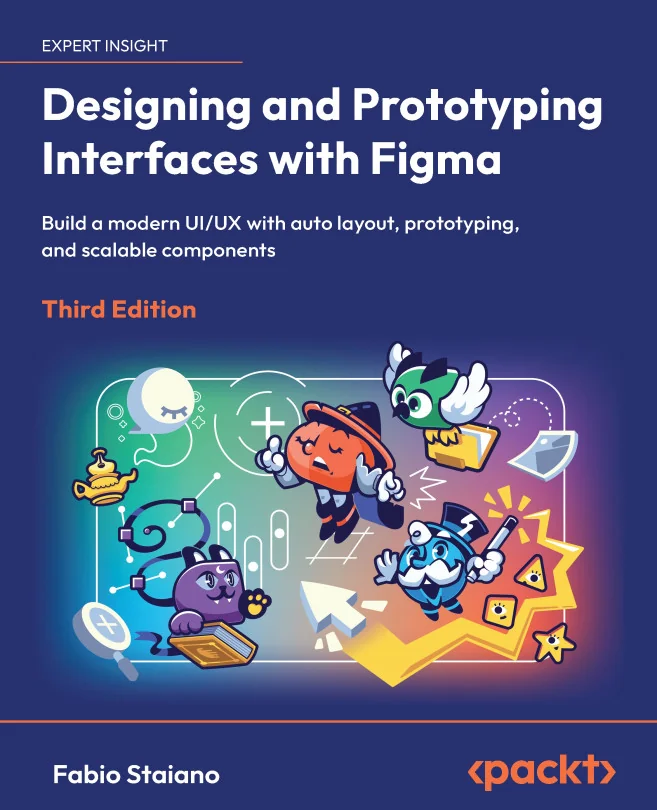
Designing and Prototyping Interfaces with Figma
Build a modern UI/UX with auto layout, prototyping, and scalable components

Created by Fabio Staiano
Get hands-on with Figma and learn how to design adaptive, modern interfaces from start to finish. Explore new features like variables, Auto Layout, and Dev Mode while building real-world projects. Gain practical skills for prototyping, collaboration, and delivering production-ready designs.
Packt | Jan 2026 | 452 min
What You Will Learn
You will work through a real project brief, building adaptive UIs using Figma's latest tools. Along the way, you'll create components, set up responsive layouts, and prototype interactive flows. Collaboration and handoff are covered with Dev Mode, while AI tools are introduced as optional workflow aids.
Key Features
- Design responsive layouts using Auto Layout, variables, and scalable components
- Prototype realistic, interactive flows with conditional logic and smart transitions
- Streamline developer handoff with Dev Mode and clear, variable-aware specifications
Target Audience
Ideal for aspiring or practicing UI and UX designers who want to master Figma, whether starting from scratch or transitioning from other tools. If you want to design, prototype, and hand off responsive interfaces efficiently, this course will help you build a complete, up-to-date workflow.