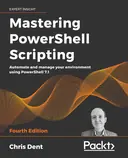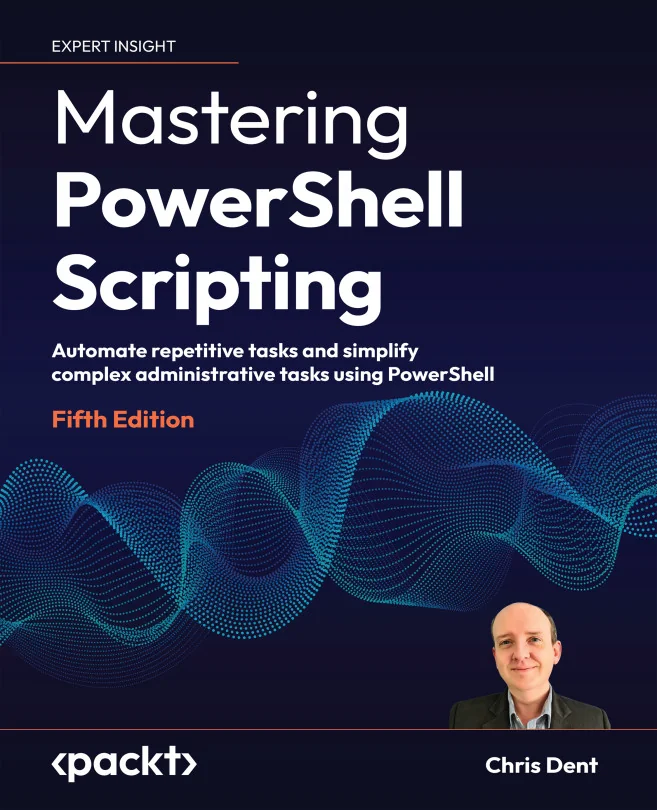
Mastering PowerShell Scripting
Automate repetitive tasks and simplify complex administrative tasks using PowerShell

Created by Chris Dent
Get hands-on with PowerShell and learn how to automate repetitive tasks, manage systems, and streamline your workflow. Starting from the basics, you'll move step by step into advanced scripting techniques and practical automation strategies. By the end, you'll be ready to tackle real-world administrative challenges using PowerShell Core 7.3.
Packt | May 2024 | 826 min
What You Will Learn
You'll start by exploring the PowerShell interface and core scripting concepts, then gradually build up your skills with real examples and hands-on exercises. As you progress, you'll dive into advanced features like error handling, integration with external services, and managing complex data. Each step is designed to help you confidently automate and optimize your daily tasks.
Key Features
- Automate system tasks and manage files, users, and services with practical scripts
- Use advanced error handling and modular scripting for secure, reliable automation
- Apply best practices to build reusable, production-ready automation workflows
Target Audience
Ideal for system administrators or IT professionals who want to save time and reduce manual work by automating tasks. If you have a basic understanding of operating systems but are new to PowerShell, you'll find the content approachable and easy to follow. By the end, you'll be equipped to create scripts that improve efficiency in any Windows environment.