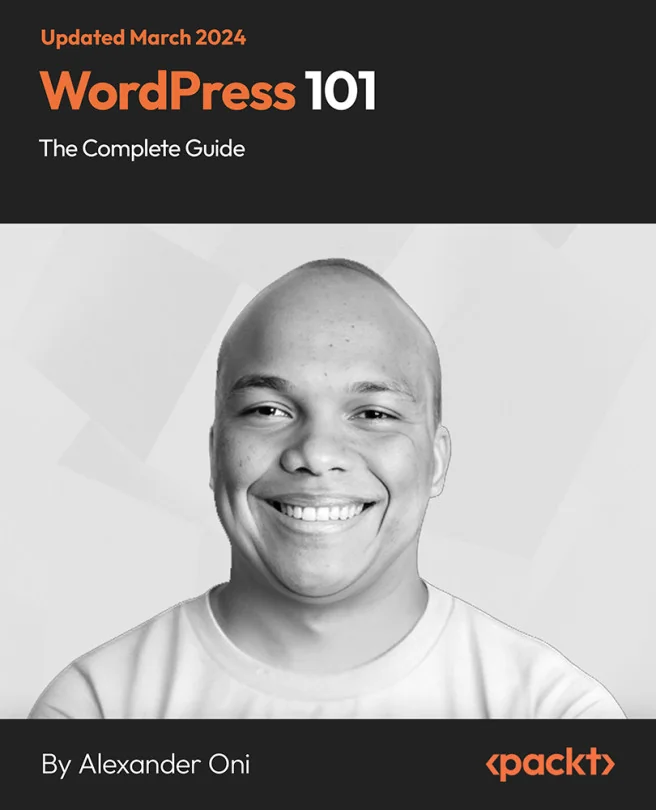
WordPress 101 - The Complete Guide
Learn how to build your WordPress website from an experienced WordPress developer

Created by Alexander Oni
Get hands-on with building your own website using WordPress, even if you have zero coding experience. Discover how to set up everything from hosting and domains to customizing your site and keeping it secure. By the end, you'll feel confident managing and growing your own WordPress website.
Packt | Sep 2020 | 505 min
What You Will Learn
You'll follow a clear, step-by-step process to install WordPress, choose hosting, and set up your site. Along the way, you'll use practical examples to create content, add features, and keep your site safe. Each topic builds on the last, so you can see your progress as you go.
Key Features
- Set up WordPress from scratch and publish content with ease
- Customize your site's look and features without any coding
- Protect your website with practical security and backup strategies
Target Audience
If you've never built a website before and want to create one for yourself or your business, you'll find this guide approachable and practical. It's ideal for beginners with no programming background who want to learn WordPress from the ground up and manage their own site with confidence.