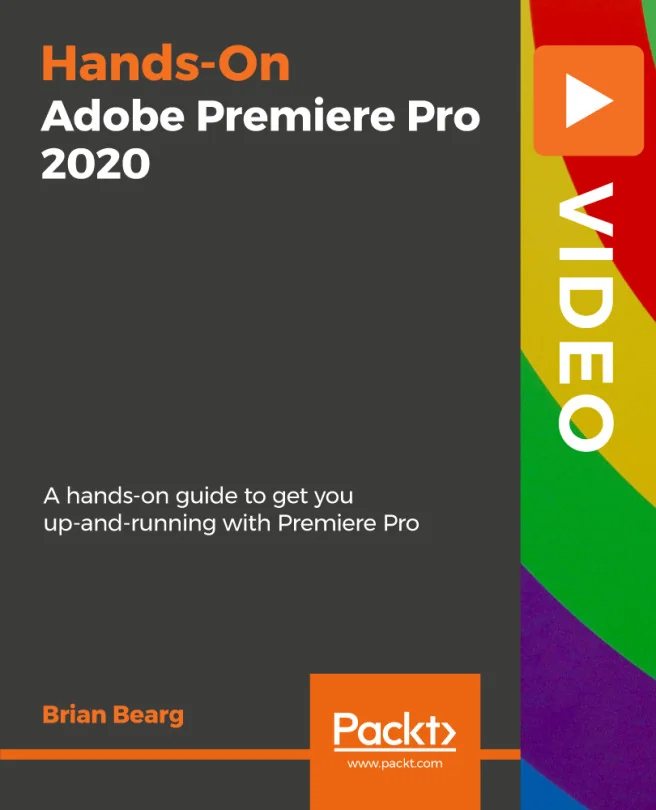
Hands-On Adobe Premiere Pro 2020
A hands-on guide to get you up-and-running with Premiere Pro
Created by Brian Bearg
Get comfortable with Adobe Premiere Pro 2020 as you learn the essentials of professional video editing. You'll discover how to create polished, broadcast-ready videos for TV, web, and streaming platforms. By the end, you'll feel confident editing and delivering your own projects.
Packt | Mar 2020 | 220 min
What You Will Learn
You'll follow a hands-on path that guides you through each stage of editing a commercial, from building your timeline to adding effects, titles, and sound. Step-by-step demonstrations help you tackle real-world editing challenges and develop practical skills you can use right away.
Key Features
- Edit videos efficiently using practical Premiere Pro workflows
- Apply color correction, effects, and custom titles for a professional finish
- Mix audio and export videos ready for TV, web, or streaming platforms
Target Audience
Perfect for beginners eager to start editing videos with Adobe Premiere Pro 2020. If you want to create high-quality content for clients or personal projects and have no prior experience, you'll find clear guidance and actionable techniques to help you reach your goals.