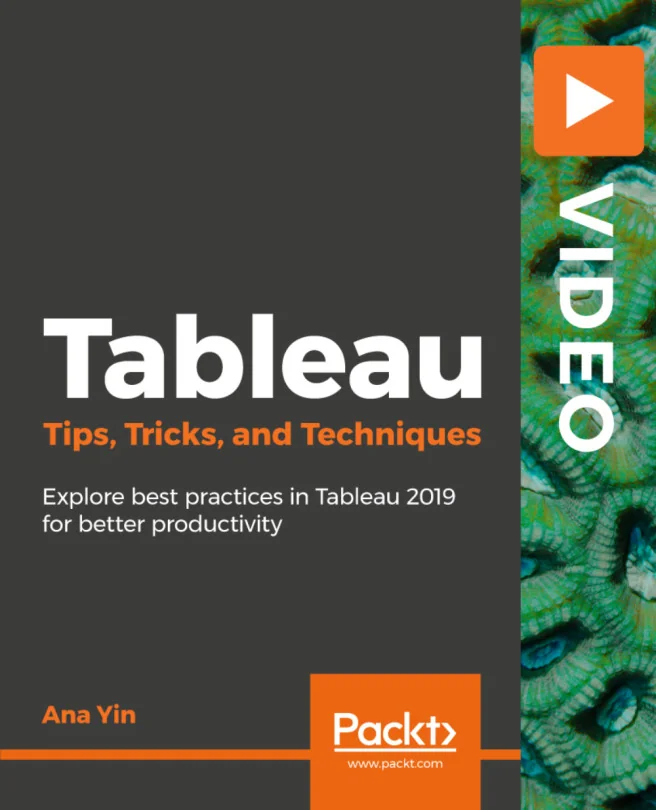
Tableau Tips, Tricks, and Techniques
Explore best practices in Tableau 2019 for better productivity
Created by Ana Yin
Boost your productivity and efficiency with Tableau by learning practical tips and techniques for creating impactful visualizations. Explore the latest features in Tableau 2019 and discover ways to customize your dashboards for clearer, more engaging data stories.
Packt | Mar 2019 | 130 min
What You Will Learn
You will follow hands-on demonstrations that compare previous Tableau versions with the latest release. Each section introduces actionable tips and techniques, focusing on real-world scenarios. The content is presented in a clear, approachable way, making it easy to apply what you learn right away.
Key Features
- Learn time-saving shortcuts and best practices for faster Tableau workflows
- Discover new Tableau 2019 features to enhance your data visualizations
- Apply practical customization techniques for more engaging dashboards
Target Audience
Ideal for data analysts, business intelligence professionals, and Tableau users with some experience who want to work more efficiently. If you are looking to sharpen your Tableau skills, stay up to date with new features, or make your dashboards more effective, this course is designed for you.