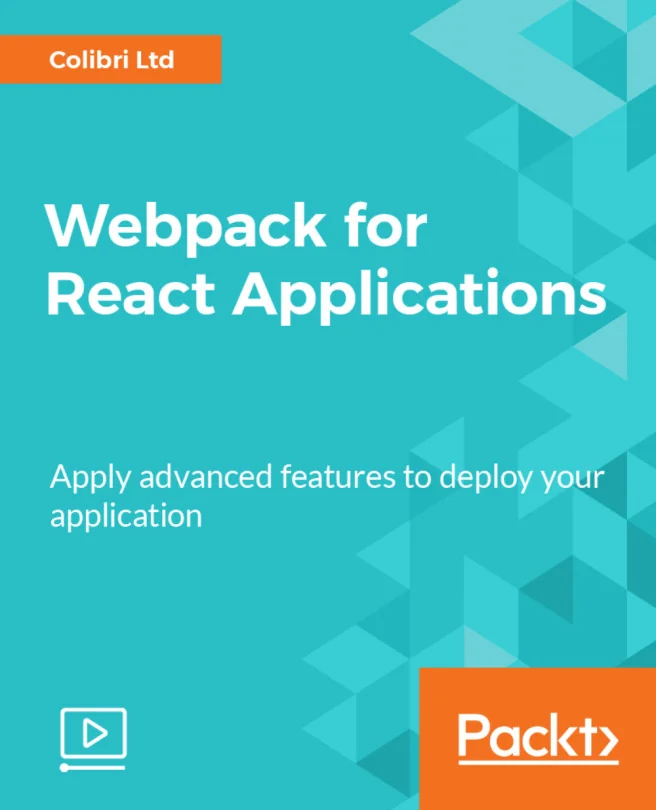
Webpack for React Applications
Apply advanced features to deploy your application
Created by James Cross
Explore how to optimize and deploy React applications using advanced Webpack features. Work hands-on with a dynamic photo gallery project while learning practical techniques for improving performance and managing builds. Gain experience with tools like Babel, code splitting, and cloud deployment.
Packt | Jan 2018 | 200 min
What You Will Learn
You will work through real-world scenarios using a responsive photo gallery built in React. Step by step, you will configure Webpack, apply advanced optimization techniques, and deploy your project to the cloud. Each concept is introduced through practical examples, making it easy to see how changes impact your application.
Key Features
- Optimize React app performance and reduce bundle sizes with Webpack
- Deploy applications to cloud hosting platforms such as AWS
- Apply advanced build tools like Babel and code splitting for efficient workflows
Target Audience
Ideal for developers who already know the basics of React and want to integrate Webpack into existing projects. If you are looking to improve build performance, manage large codebases, or deploy React apps to the cloud, you will find actionable strategies and clear guidance throughout.