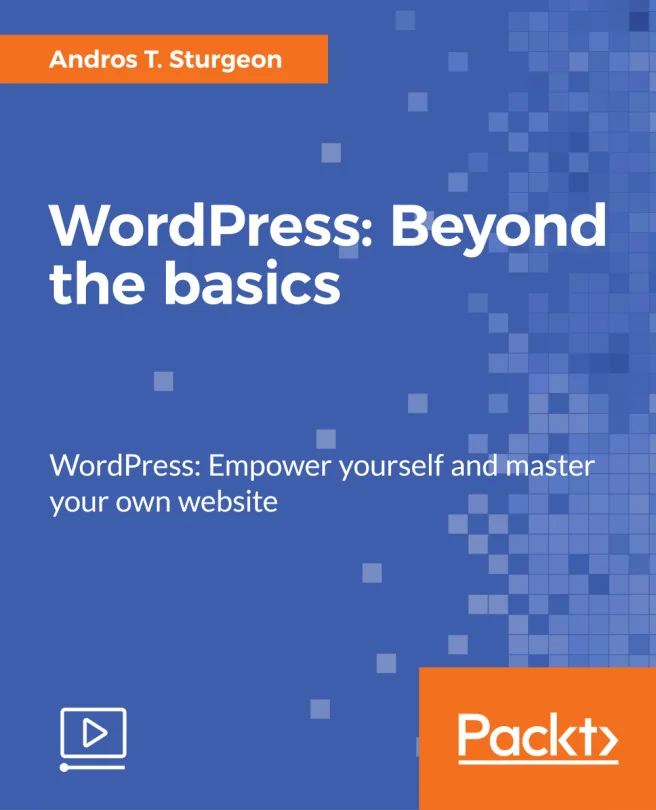
WordPress: Beyond the Basics
WordPress: Empower yourself and master your own website
Created by Andros T. Sturgeon
Take your WordPress skills to the next level by learning how to build, customize, and manage a professional-looking website. You'll discover how to structure your site, add new features, and make it look great on any device. Along the way, you'll pick up tips for using graphics, colors, and even some handy HTML5 and CSS tricks.
Packt | Mar 2017 | 175 min
What You Will Learn
You'll follow a clear, step-by-step process that walks you through each part of building and improving your WordPress site. Practical examples and straightforward explanations help you apply new techniques right away, so you can see real results as you go.
Key Features
- Build and customize pages, menus, and layouts for a polished, professional site
- Make your website responsive and visually appealing on all devices
- Use graphics, color palettes, and design tips to create a unique online presence
Target Audience
This is a great fit if you already know your way around WordPress basics but want to unlock more advanced features. If you can make simple edits but want to confidently rebuild, customize, and maintain your own site, you'll get the practical skills needed to take full control of your web presence.