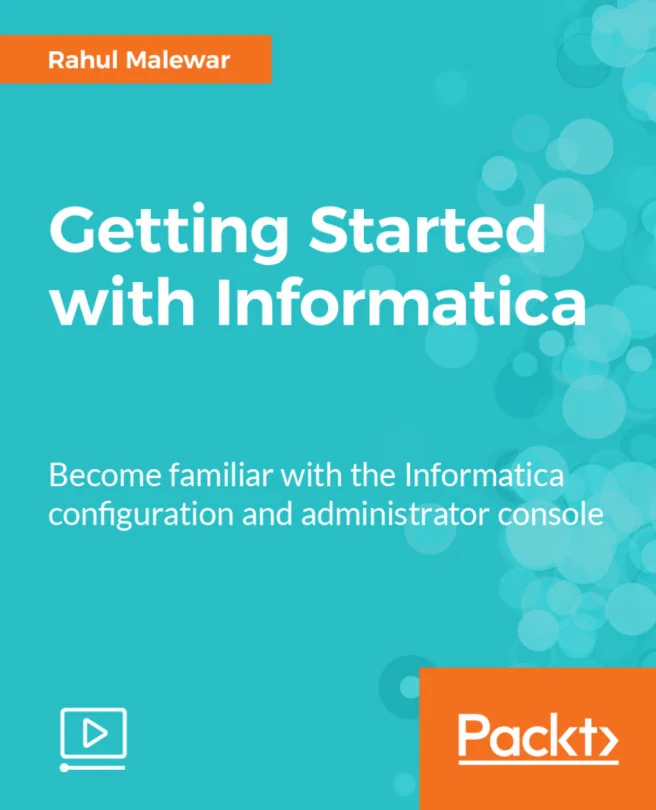
Getting Started with Informatica
Become familiar with the Informatica configuration and administrator console
Created by Rahul Malewar
Explore the essentials of Informatica Power Center, from installation to navigating the administrator console. Gain practical experience with core components like domains, nodes, repositories, and integration services. Build your confidence as you create mappings, manage workflows, and optimize your use of the platform.
Packt | May 2017 | 83 min
What You Will Learn
You will start by installing Informatica Power Center and setting up the environment. Step by step, you will work through the admin console, learn to create sources and targets, and practice building mappings. Hands-on activities guide you through managing workflows and repository screens, helping you apply each concept as you learn.
Key Features
- Install and configure Informatica Power Center for real-world data projects
- Navigate the admin and workflow manager screens to manage ETL processes
- Set up paths, connections, and security for effective data integration
Target Audience
This content is ideal for data professionals, analysts, or IT staff with some technical background who want to expand their skills in ETL and data integration. If you are looking to use Informatica in your daily work or preparing for certification, you will find practical guidance and foundational knowledge here.